Our Products
Discover our software solutions for Windows and Android that make your daily tasks easier.
MySorty

Automatically sort, digitize & process documents
Windows desktop app for OCR text recognition, automatic PDF sorting, smart document management, and invoice processing including e-invoices (ZUGFeRD & XRechnung), now with optional local AI.
MySorty AI: automatic sorting & renaming New · Beta
The optional AI in MySorty Pro automatically creates tag rules for documents that no rule matches yet and gives files like “Scan_0001.pdf” a clear name. It runs completely offline on your own PC, documents are never uploaded.
Tag management system
Automatically sort PDFs and images and move them to the right folders using intelligent tags.
Filename-based Sorting
Automatically sorts files based on filenames and defined naming schemes for structured and consistent organization.
OCR text recognition
Every file becomes searchable instantly: scanned images and PDFs are turned into searchable documents.
Automatic folder monitoring
Watches selected folders and processes new PDFs and images immediately after they are added.
Email support
Processes attachments directly from your inbox. Define trusted senders for maximum security.
PDF merge
Merge multiple files into a single document, especially useful if your scanner doesn’t support duplex scanning.
PDF viewer & editing
Preview and edit PDFs directly: add signatures, images and text, rotate, delete, move or extract pages, and save right away.
Invoice Capture
Extract invoice data directly from PDFs, detect fields via selection, and export structured data as CSV, XML, JSON, or PDF.
E-Invoices (ZUGFeRD & XRechnung)
Create ZUGFeRD PDF/A-3 invoices with embedded XML as well as XRechnung in structured XML format for digital processing.
TKB Monitor
Servers, PCs and your network in view.
 TKB Monitor1 alarm and 2 warnings
3
TKB Monitor1 alarm and 2 warnings
3
Everything at a glance.
Servers, PCs, UPS, firewall and printers on one page. At the top you see whether everything is running, below it only what needs your attention. Usually with time to spare: a drive speaks up when it will be full in 9 days, not at 99%.Try it: click “Acknowledge” on an alert.
One email instead of a flood.
New and fixed problems arrive together in one message, sent through your own mail server. Short glitches stay quiet. Every user chooses what they get, in which language and at which times.Try it: choose below what goes into the email.
TKB Monitor1 alarm and 2 warnings
3
Devices without an agent, too.
You can't install software on a UPS, a firewall or a printer, and you don't need to: the collector checks these devices itself with ping or SNMP, e.g. APC, FortiGate, SonicWall and Synology.Try it: click a device.
TKB Monitor1 alarm and 2 warnings
3
SFTP · Supplier: /out/stock.csvD:\Archive\{yyyy}\{MM}\\\SRV-ERP01\Import\STOCK_{yyyyMMdd}.csvstock.csv · 48 KB
Files move by themselves.
Jobs pick up files and deliver them to up to 5 targets, also over FTP, FTPS and SFTP. On a schedule or as soon as a new file arrives, with history and an email if something goes wrong.Try it: click “Test run”.
TKB Assistant
Your private assistant for your phone. JOLI answers your questions completely offline, and you see at a glance how your device is doing.
- No account
- No internet
- Pay once
JOLI answers, even offline.
Your AI runs entirely on your phone. No account, no cloud, no waiting. Ask it even in airplane mode.
Everything at a glance.
Battery, storage, memory and apps. You see right away how your phone is doing, without digging through settings.
Your battery, live.
Temperature, voltage and charging power in real time, with history. You see what your battery is doing right now and what your charging habits really achieve.
Make room again.
Find large files, duplicates and old screenshots. See exactly what fills your storage and clean it up in seconds.
Flick
Swipe to keep or delete.
One swipe decides.
One swipe keeps the photo, the other removes it. You decide which side keeps, for left-handers as well as right-handers. Every swipe can be undone, and nothing is deleted until you confirm.Try it: tap the cross or the tick below.
Last month is waiting.
It is ready as soon as you open the app, and a few minutes are enough. Your flame, your level and the freed storage are right next to it.
Flick learns what belongs together.
Pick a type and show a few examples. Flick finds the rest on your device, without a single picture leaving your phone.
1 more month to the next flame
Cleaning up you actually stick with.
Every cleaned-up month keeps your flame alive. Levels and flame stages show how far you have come.
TKB Contrack
Contracts, payments and appointments under control.
All your contracts at a glance.
Rent, phone, electricity, streaming and insurance all in one place. At the top you instantly see what is still open this month and which contract is about to expire.Try it: tap the check mark next to a payment.
Your gym contract expires in 3 days7 days14 days30 days. Cancel now while there is still time.
Rent of €650.00 is due today. You will be reminded daily until you mark it as paid.
Dentist tomorrow at 10:30, Dr. Weber's practice.
Never miss a deadline again.
TKB Contrack reminds you before every contract ends, so you can still cancel, and before every payment. For payments you make yourself, the app reminds you daily until you mark them as paid.Try it: choose below how early you want to be reminded.
Appointments included.
Doctor, garage or tax advisor: add appointments with time, location and repeat. You decide how often and how early the app reminds you.Try it: tap a marked day.
Know where your money goes.
See month by month what your contracts cost and which one is the most expensive. Everything stays on your phone, with no account and no cloud. A backup file takes everything to your new device.Try it: tap a bar.
Our Services
IT Support

Professional support in all areas of IT. We provide fast solutions for your IT issues.
PC Support
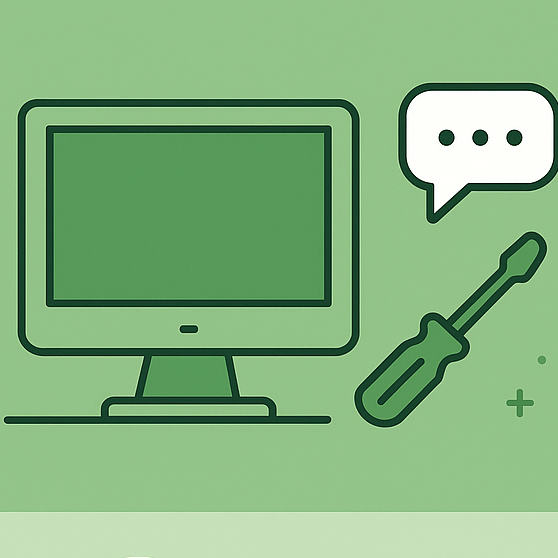
Is your computer slow or crashing?
We analyze the problem remotely and provide easy solutions.
Software Installation
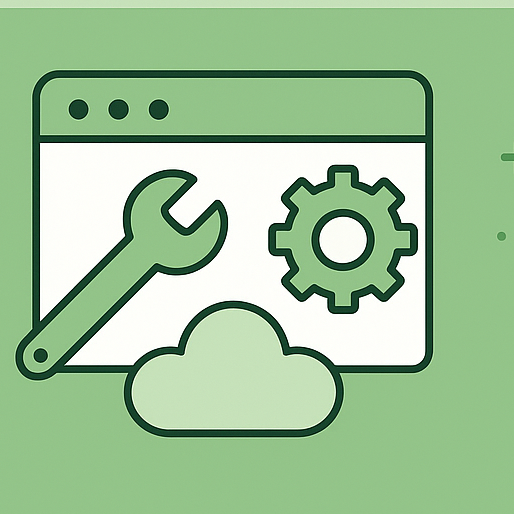
We assist you with the installation, setup, and use of your programs. Whether on a Windows PC or an Android device.